
Magpie CSS - simple clean readable
MIT Licensed built for informational displays and applications
1. Multi-Theme Engine
Supports five built-in, theme-aware modes out of the box:
Magpie Slate (Default): A sleek, dark slate aesthetic with glowing cyan accents.
Dark Mode: A clean, balanced dark theme for low-light environments.
Light Mode: A crisp, high-readability light interface.
High Contrast: A strict black-and-white theme optimized for accessibility and screen reader compliance.
Terminal Mode: A retro monospace theme that converts fonts to Courier, flattens border curves, and replicates classic console terminal styles.
2. Airtable-Style Responsive Grids
Includes a dense tabular grid component that displays complex multi-column records on desktop viewports and dynamically flattens into scrollable list-cards on mobile devices (screens under 800px wide).
3. Standalone Component Toolkit
Features a fully modular suite of visual elements:
Interactive Code Snippet Cards: Custom containers featuring language labels, monospace formatting, and built-in JavaScript clipboard copying with micro-animated success states.
Location Tree Structures: Nested folder directories styled utilizing native browser <details> structures and custom connectors.
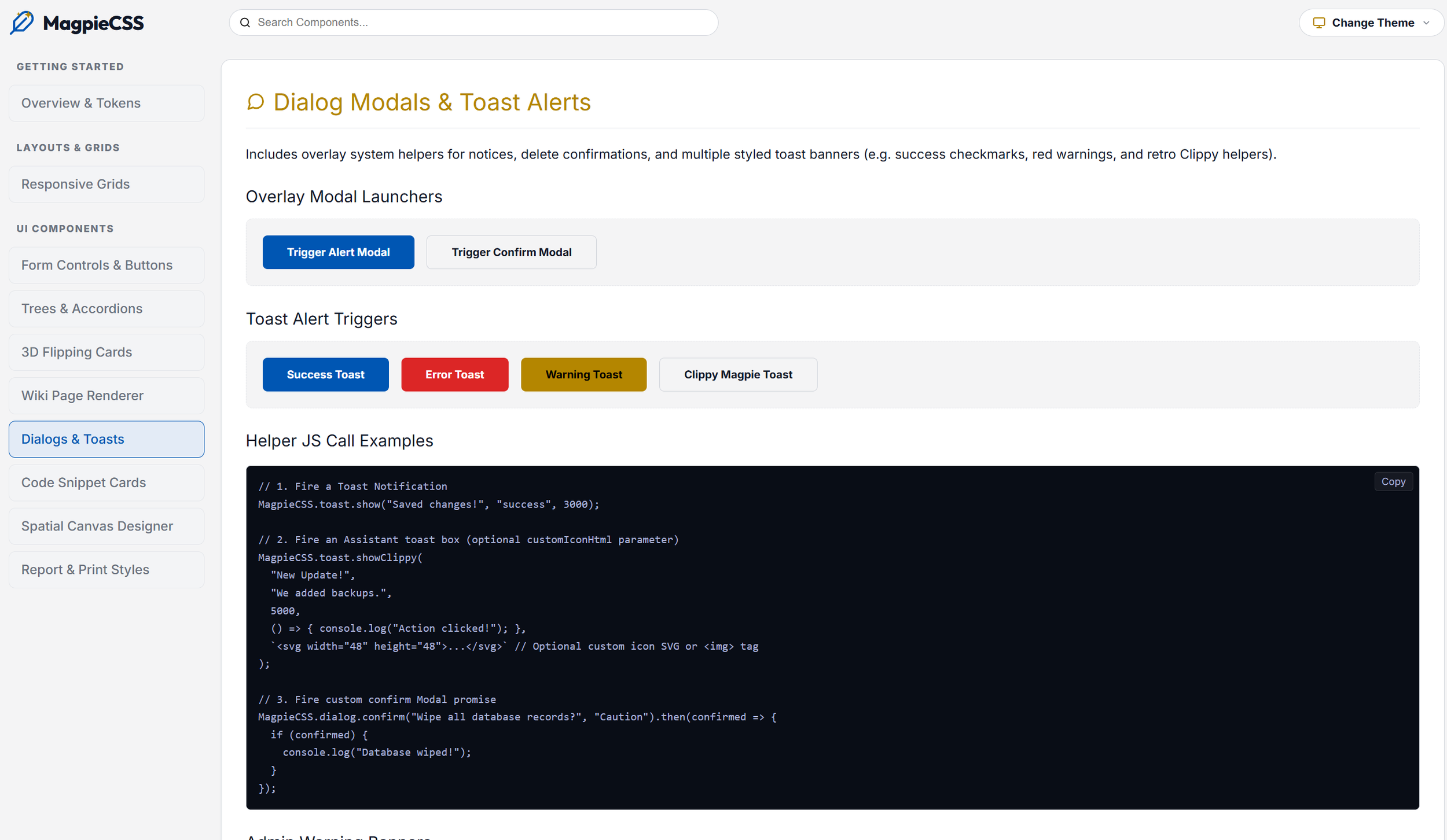
Toasts & Assistant Prompts: Animated notification cards and dialog modals that adapt layout styles dynamically matching the active theme.
Spatial Canvas Workspace: Layout tools for toolbars, float menus, overlay palettes, and full-screen view toggles for interactive canvases.
Technical Specifications
Fonts: Outfit (Headers) & Inter (Body text)
License: MIT License
Links & Previews
Live Interactive Showcase: derekarronblackburn.github.io/magpieCss
Source Repository: github.com/derekarronblackburn/magpieCss